Use cases

What people use KnowStash for

KnowStash turns YouTube videos into notes you keep, and monitors channels, searches, and playlists so new videos arrive already summarized. Here is what that looks like in practice. Every example below works the same way: stash the videos once, then ask for the note you want, in your own words or with a saved prompt.

A market brief from the channels you trust

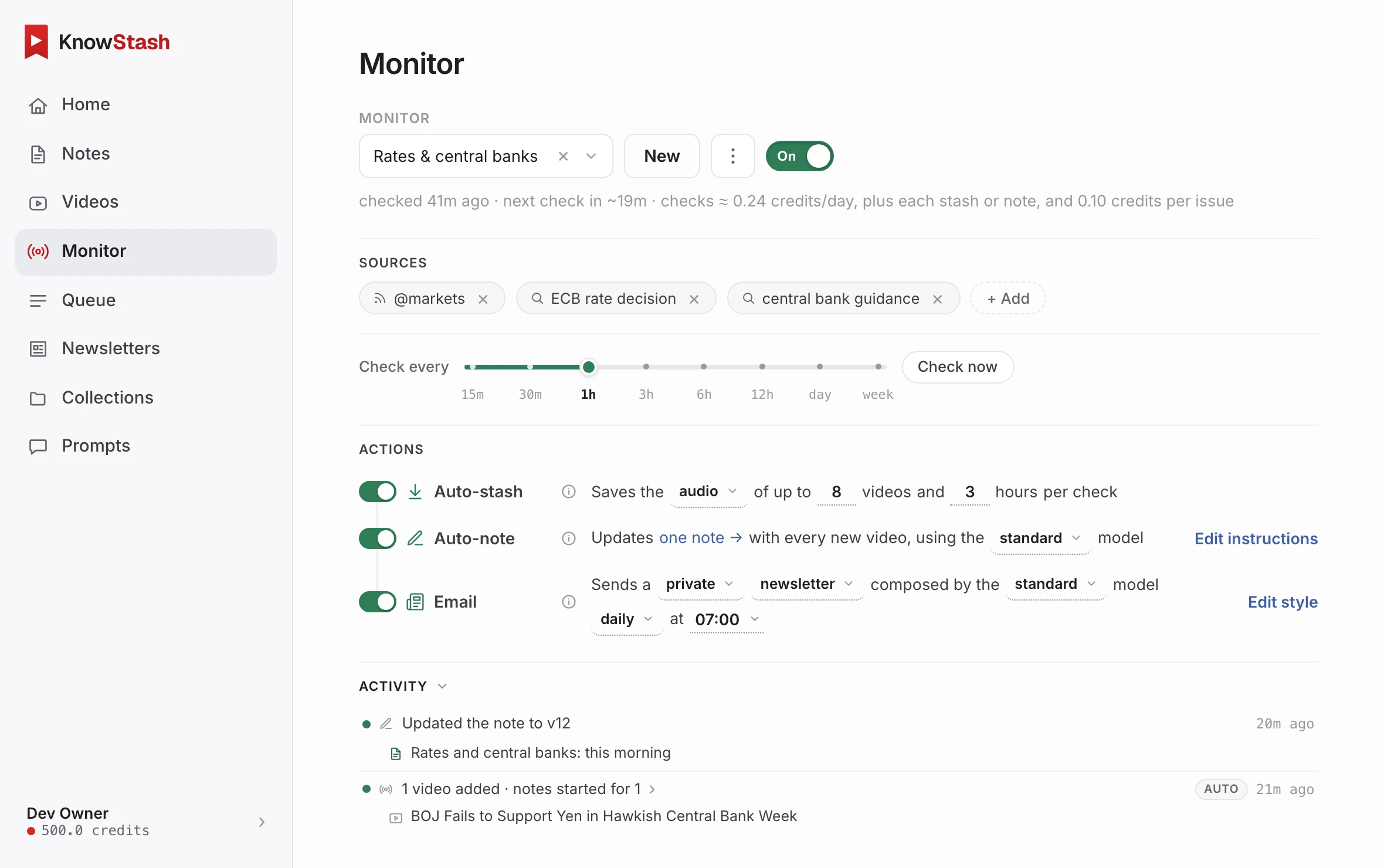
Pick the two or three market commentary channels you actually rate, and put a monitor on each. KnowStash checks for new videos on your schedule, stashes what lands, and can write the note without being asked: what was said about rates, which positions changed, what the presenter is worried about this week. Have it emailed to you, and the morning coffee version of "keeping up" becomes reading two short notes instead of watching ninety minutes.

Shopping research without ten hours of reviews

Buying a robot vacuum, a laptop, an espresso machine? The honest reviews are on YouTube, but they are twenty minutes each. Stash the reviews for the models on your list, select them all, and ask for one note: a shortlist comparing what each reviewer praised, what broke, and who each model is for. You get a decision-ready comparison drawn from every video, with nothing skimmed and nothing missed.

A study guide from a course playlist

Lecture series, exam prep, a language course: point KnowStash at the playlist and stash it. Then ask for what studying actually needs: chapter summaries, definitions of every term introduced, worked examples collected in one place, or a question list to test yourself against. Notes are versioned and searchable, so revising the week before the exam is a search away, not a rewatch.

Recipe cards you can actually cook from

A cooking video is a lovely way to learn a dish and a terrible thing to cook from. Stash the video, ask for a recipe card, and get the ingredient list and numbered steps without the sponsor read. Keep them in a collection and your kitchen tablet holds a cookbook of everything you ever meant to try.

A growing wiki of everything a channel teaches

Some channels are effectively a course that never ends: a gardening expert, a woodworking teacher, a tax adviser. A monitor can fold each new video into one growing note instead of many small ones, so over months you accumulate a single, organized reference for everything that channel has taught, updated automatically every time a new video lands.

Intel for your team

Competitor launches, industry keynotes, conference talks: put monitors on the searches and channels that matter to your business and let the notes arrive on their own. A monitor can also email a written roundup of what was new, so the whole team stays current from their inbox. Notes are shareable with a link, and the library is searchable when someone asks "did anyone cover this?" three months later. For team accounts and volume agreements, write to sales@knowstash.ai.

How it is priced

Every example above runs on the same simple meter: 1 credit is 1 hour of video, stashed and noted, with the price shown before you run anything. New accounts get free credits on signup, so you can try any of this before paying. Plans and amounts are on the pricing page.

Start with one video

The quickest way to see it: add KnowStash to Chrome, open any video you never had time for, stash it, and ask for the note you wish existed. Or create an account and use the web app in any browser. The help center covers concepts, monitors, and billing.